
The Morning My Phone Saved Me From Myself
So here’s a thing that happened to me a few months back. I’m running late, coffee’s still brewing, and I realize I locked my front door but can’t remember if I actually turned off the iron. Classic brain-fog morning stuff. Normally that means either going back home (bye, punctuality) or spending the next four hours at work low-key anxious about whether my apartment is on fire.

Except I just pulled out my phone, opened the smart plug app, checked the iron was off, and kept walking to the subway.
That was it. No drama. No U-turn. Just… solved. In thirty seconds.
That little moment made me think about how many gadgets I’ve written off as “tech for tech people” that are actually just… useful. Not in a sci-fi way. In a Tuesday morning way.
So I want to talk about the gadgets that have genuinely changed how I get through the day. Not the ones with the flashiest commercials. The ones I actually reach for.
Smart Plugs — The Most Underrated Thing You Can Buy
They Cost Twelve Dollars and I Have Eight of Them
Everyone talks about smart speakers and robot vacuums. Nobody talks about smart plugs. Which is weird because they’re cheap, they work immediately, and they fix problems you didn’t even fully realize you had.
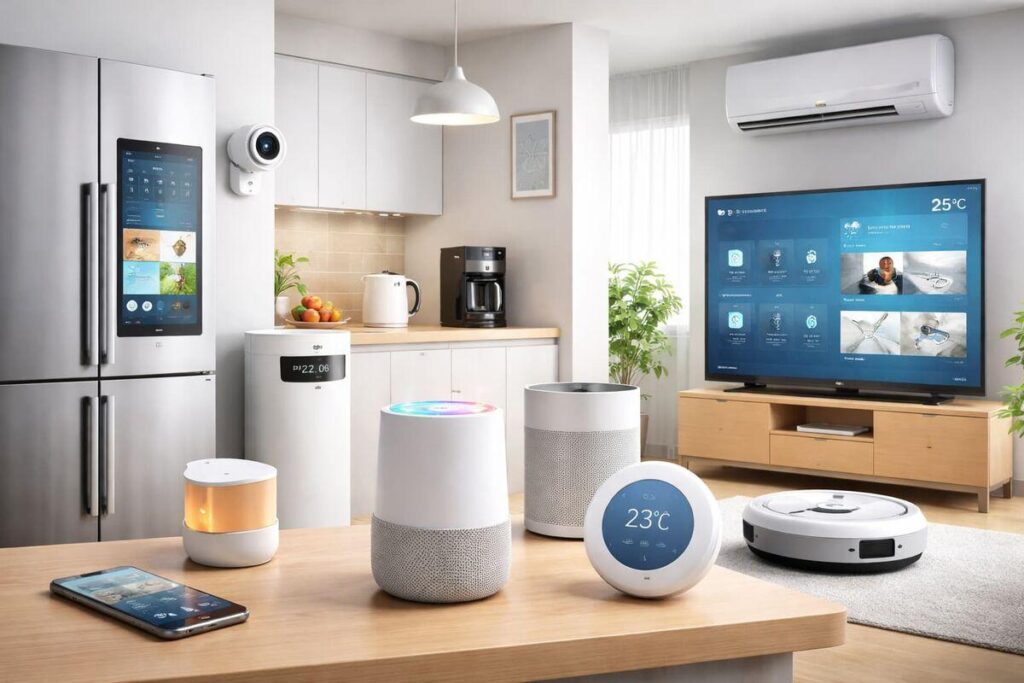
A smart plug turns any regular appliance into a connected one. Lamp, fan, coffee maker, iron, space heater. You plug the smart plug into the wall, plug your device into that, download the app, and now you control it from anywhere.
The brand I’ve used the most is Kasa by TP-Link. They’re reliable, the app doesn’t drive you crazy, and you can get a four-pack for under thirty dollars. Govee and Meross are also solid. Avoid ultra-cheap no-name ones off random listings because a few of them have had safety issues that made the news.
Where They Actually Made a Difference for Me
My coffee maker now turns on automatically at 6:45 AM. Not a fancy smart coffee maker. My same old basic machine. I just set a schedule in the app and it does its thing. I wake up and coffee is happening. That’s it. That’s the whole thing. And somehow it makes mornings feel 40% more manageable.
The iron situation I mentioned above? Fixed with a smart plug and thirty seconds of setup. I have one on my space heater too so it can’t stay on overnight even if I forget.
The one mistake I made early on was putting a smart plug on a device that doesn’t like being cut from power suddenly — my desktop PC. Don’t do that. Smart plugs are great for lamps, chargers, small appliances, and things that don’t care about abrupt power cuts. Computers and routers are not that.
Robot Vacuums — I Was a Skeptic and Then I Wasn’t
My First One Was Terrible and That’s Actually Important Context
The first robot vacuum I ever used was a cheap one, around 2019, that basically just bumped into things randomly, missed entire sections of floor, and got stuck under my dresser approximately every single time. I returned it after two weeks and didn’t think about robot vacuums again for two years.
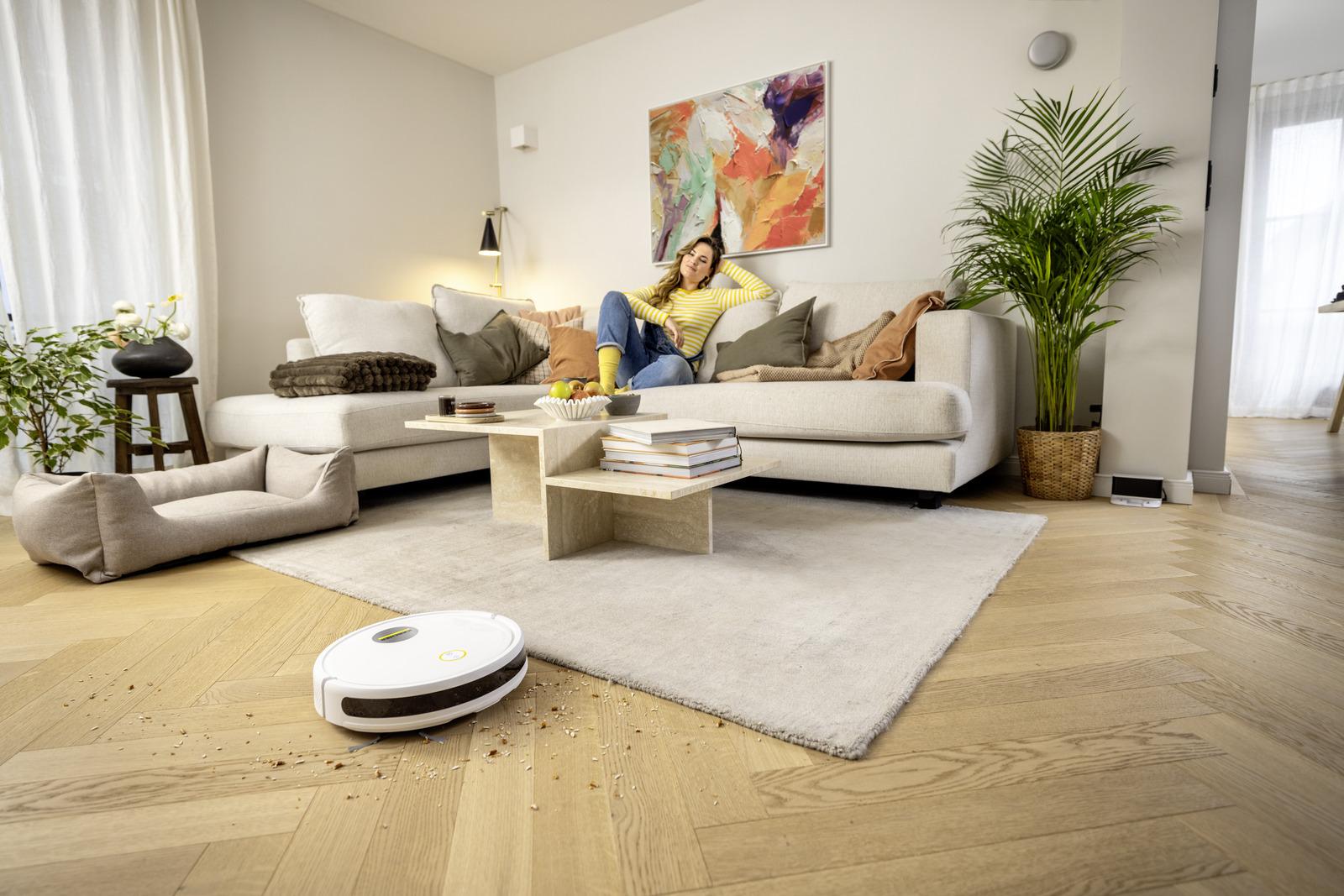
Then my roommate got a Roborock Q5+. And I watched it do a complete, methodical, wall-to-wall clean of our apartment while we sat on the couch watching TV. No missed spots. No getting stuck. It mapped the apartment, cleaned in logical rows, found its way back to the dock, and emptied itself.
That was a different product category entirely. Same name, completely different experience.
What Actually Works Now
The mid-range and high-end robot vacuums from Roborock, Dreame, and Ecovacs have gotten genuinely good. They use lidar sensors to build a real map of your home. They let you draw no-go zones in the app. You can tell them to only clean the kitchen. You can set schedules per room.
The self-emptying base station is the feature that makes it actually feel hands-free. The robot cleans, docks, empties the dust into a sealed bag in the base, and you only deal with that bag every few weeks. That’s the version worth buying if you’re going to spend money here.
One honest caveat: if your floors are heavily cluttered or you have a lot of cables lying around, no robot vacuum will be magic. They do better on cleaner floors. Spend ten minutes tidying before the first mapping run and you’ll get a much better floor plan that it’ll use forever.
Wireless Earbuds With Noise Cancellation — Not a Luxury Anymore
The First Time I Used Real ANC I Sat Quietly for Five Minutes Just Experiencing It
I was in a coffee shop. Noisy place. I put in the Sony WF-1000XM5s and turned on noise cancellation. The espresso machine, the conversations, the music playing overhead — all of it went away. Just gone. I was sitting in the same chair in the same room and it felt like someone had put a glass dome over me.
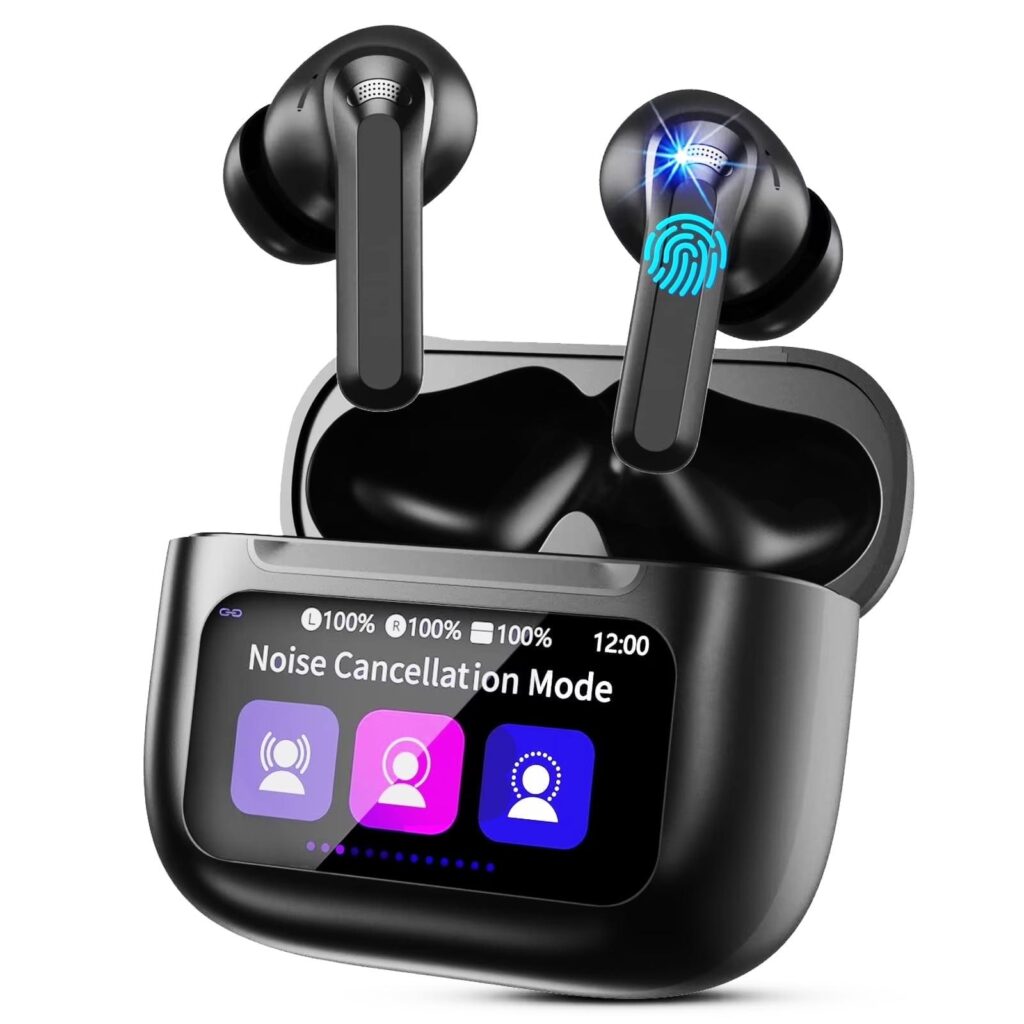
That sounds dramatic but I genuinely sat there for a second just noticing how different it felt.
ANC — active noise cancellation — used to be an expensive, chunky over-ear headphone thing. Now it’s in earbuds that fit in your pocket. And the good ones are genuinely impressive. Sony’s WF-1000XM5 and Apple’s AirPods Pro 2 are the two I’ve used most. Both are excellent. Which one depends mostly on whether you’re already in the Apple world or not.
The Transparency Mode Thing Nobody Talks About Enough
There’s a feature called transparency mode that lets ambient sound back in so you can hear your surroundings without removing the earbuds. The AirPods Pro 2 version of this is uncanny — it sounds almost exactly like you’re not wearing anything.
Why does this matter? Because one of the annoying things about earbuds used to be constantly taking them out whenever someone talked to you or you needed to hear something. Now you just tap and you’re back in the world. Tap again and you’re back in your bubble. It takes literally a second.
The Fit Thing Everyone Skips
The number one reason people think their earbuds sound bad is they’re using the wrong size ear tips. Every pair comes with small, medium, and large tips. The default installed is usually medium. For a lot of people that’s not actually the right fit.
A proper seal means the earbud sits snugly in your ear canal without falling out. When you have the right fit, bass sounds real, noise cancellation works properly, and the earbuds stay in during a walk. When you don’t, everything sounds thin and distant. Try all three sizes before you decide whether you like the product.
Smart Displays — I Thought These Were Pointless Until I Got One
The Problem With Tablets Propped Against a Fruit Bowl
For years I used to just prop my phone or tablet against something in the kitchen to follow recipes or watch videos while I cooked. It worked, kind of. Except for the part where my hands were messy and touching the screen was a whole thing, and the angle was never quite right, and the device kept going to sleep.
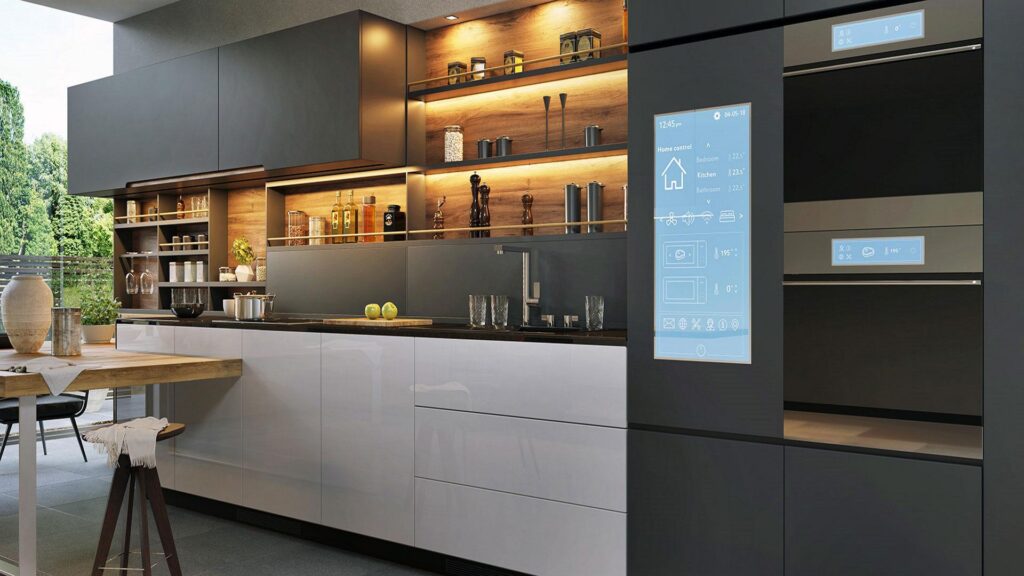
A smart display — like the Amazon Echo Show 8 or the Google Nest Hub — is a screen designed to sit in a room and be spoken to. No touching required. You talk, it responds. It shows you stuff. You keep doing what you’re doing.
This sounds simple because it is. And that’s what makes it useful.
What I Actually Use It For
Cooking is the obvious one. “Hey, set a timer for twelve minutes” while my hands are in raw chicken is a sentence I say multiple times a week now. The screen shows the recipe. I talk to it. It works.
But also: it sits in my kitchen and shows me weather, calendar stuff, and news in the morning without me picking up my phone. There’s something genuinely nice about being able to get information while eating breakfast without falling into the scroll vortex of Instagram or whatever.
The Echo Show 8 is my pick for most people. Reasonable price, good screen size, doesn’t take up too much counter space. The rotating Echo Show 10 is cool but also kind of overkill for most kitchens.
One setup note: connect it to your calendar and your smart home stuff when you first set it up. A lot of people skip that part and then wonder why the device feels limited. That’s where the real value hides.
Smart Locks — Solving a Problem I Didn’t Know Stressed Me Out
The Number of Times I’ve Stood Outside My Own Door Searching My Bag
Keys are such a small thing and also somehow constantly annoying. They get buried. They fall out of pockets. Guests need copies. Landlords need spares. The dog walker needs to get in. You need to let a friend in while you’re stuck at work.
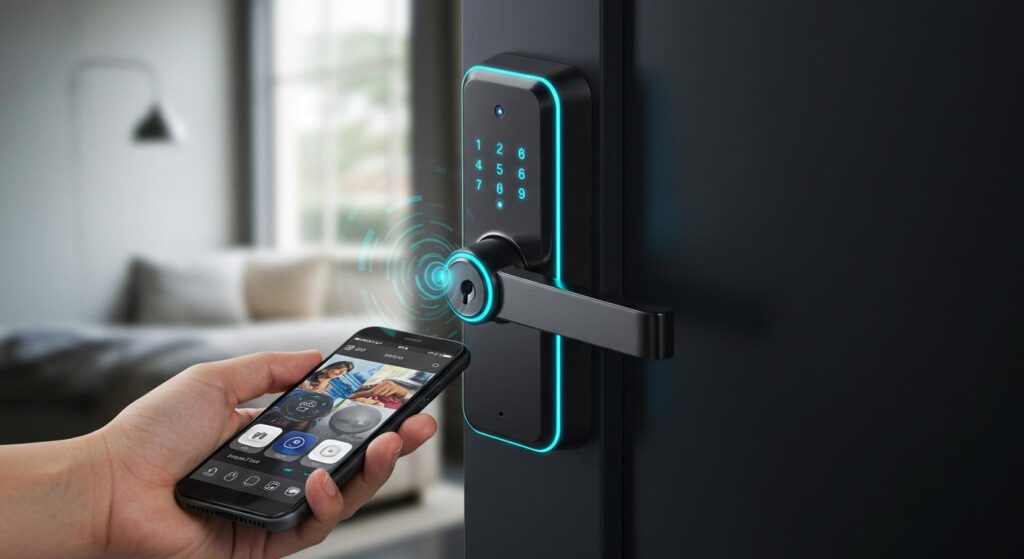
A smart lock handles all of this without being complicated about it. The Yale Assure Lock 2 is what I have now. It replaced my existing deadbolt — screwdriver, thirty minutes, done. No rewiring. No contractor.
From the app I can lock and unlock remotely. I can create a code for someone that only works on specific days and expires automatically. I can see a log of when the door was opened and by which code. When I leave for work, I can check my phone to confirm the door is locked without going back.
The Auto-Lock Warning I Wish Someone Had Given Me
There’s a setting called auto-lock that locks the door automatically after a set number of minutes. It seems like a great idea. It locked me out of my own place twice before I turned it off.
The scenario is simple: you step outside for thirty seconds to grab something from your car or check the mail, your phone is inside, the door auto-locks behind you. Now you’re locked out. If you keep a spare code memorized this isn’t a crisis. But most people set up auto-lock and forget this can happen.
Either memorize a backup code, keep your phone with you, or just turn auto-lock off and lock the door manually when you leave. The manual version is still way less annoying than keys.
Air Purifiers With Real Filtration — More Important Than They Look
I Noticed the Difference in How I Was Sleeping
This one I resisted for a long time because air purifiers seemed like a product for people with serious allergies or medical stuff. Then I got one — a Levoit Core 300 — mostly because I was reading about indoor air quality and felt vaguely guilty about ignoring it for years.
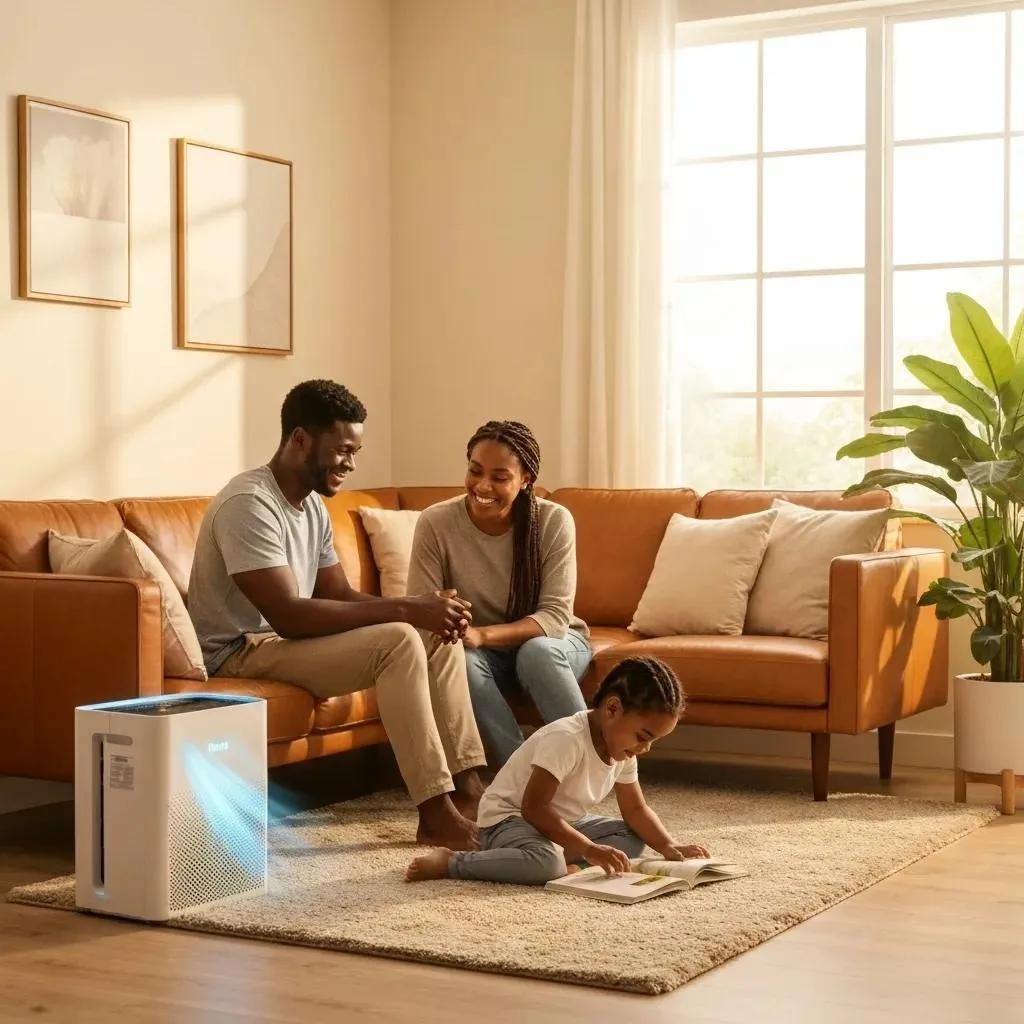
The thing I noticed first wasn’t allergies. It was sleep. Within about a week I was sleeping more deeply and waking up less stuffy. Which was confusing because I didn’t think I was sleeping badly before.
I’d read that indoor air quality — particulate matter, dust, VOCs off-gassing from furniture and cleaning products — can be significantly worse than outdoor air. Especially in apartments with limited ventilation. An air purifier with a real HEPA filter pulls a lot of that stuff out of circulation.
What to Look For and What to Ignore
The important spec is the CADR rating — Clean Air Delivery Rate. It tells you how fast the purifier can clean a given volume of air. Match the CADR to your room size. A small unit marketed for large rooms is a lie.
True HEPA filtration matters. “HEPA-type” or “HEPA-like” in the marketing is a red flag — it usually means the filter doesn’t meet actual HEPA standards.
The stuff to ignore: air ionizers, UV lights, and ozone generators that some purifiers add and advertise heavily. These either don’t help much or in the case of ozone generators can actually irritate your respiratory system. A good fan pulling air through a real HEPA filter is all you need.
Portable Chargers Have Gotten Genuinely Powerful
The Old Ones Were Good. The New Ones Are Wild.
I remember when a good power bank meant a 10,000 mAh unit that could charge your phone once or twice. Useful. Fine. Nothing to write about.
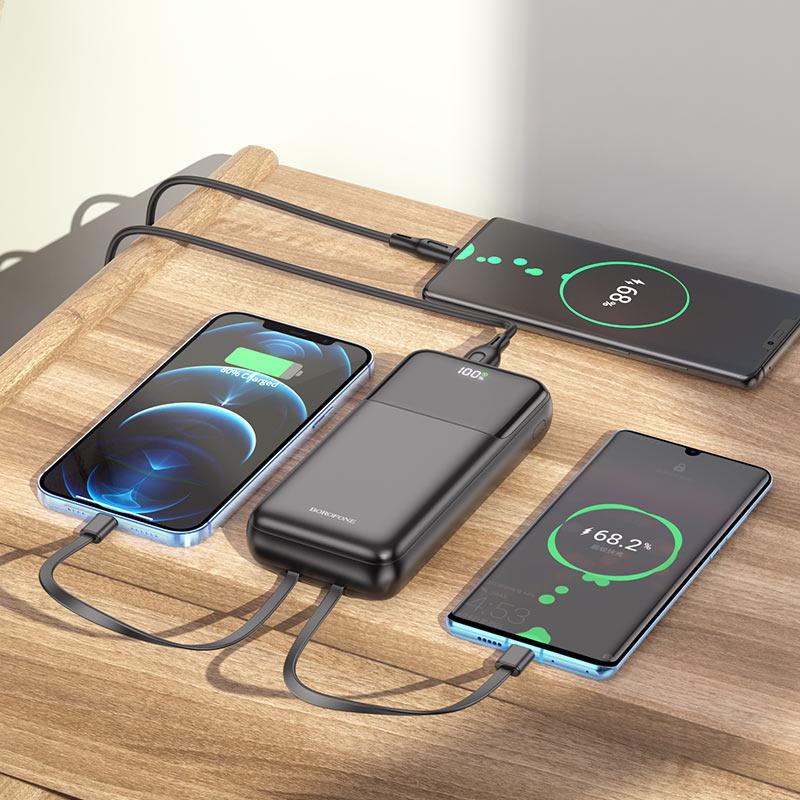
The Anker 737 Power Bank holds 24,000 mAh and outputs 140W. It can charge a MacBook Pro from dead to full. Twice. It’s the size of a large water bottle. That’s an absurd amount of power in a backpack pocket.
For people who work from different locations, travel a lot, or just hate the low battery anxiety — which is everyone — a high-capacity USB-C power bank is one of those things you buy once and then wonder how you dealt without it.
The Magnetic Charger Situation
If you have an iPhone or a recent Android with wireless charging, the MagSafe ecosystem and its equivalents have made charging oddly pleasant. The Anker MagGo charger just snaps to the back of your phone. No port to find in the dark. No cable to align. It attaches with a satisfying click and charges while you use the phone.
The wattage is lower than wired, so it’s not going to be your fastest charge. But for topping off throughout the day, the convenience is real.
Before flying: check the Wh rating on any power bank you’re bringing. Airlines restrict high-capacity banks in checked luggage and some have carry-on limits too. The spec sheet will list Wh. Look it up before you get to security.
Mistakes I’ve Made So You Don’t Have To
Buying Too Fast Because Something Looked Cool
There was a phase where I was buying smart home stuff a little too enthusiastically. Smart bulbs in every room, a smart speaker I didn’t need, a gadget for the bedroom that ended up sitting in a drawer.
The thing I’ve learned is that gadgets solve problems. If you don’t have the problem, you don’t need the gadget. Before buying anything, I try to name the specific friction I want to remove. Not “I want a smarter home” but “I hate that I forget to turn off the lamp in the bedroom.” That focus makes it much easier to know whether something is worth it.
Not Setting Things Up Fully
Almost every smart device I’ve bought had additional setup steps that I skipped on the first pass because I was impatient and wanted to see it work. And then I’d use it at half capacity for weeks before finally going back and doing the setup properly.
Robot vacuums need the floor to be clear for a proper first mapping run. Smart displays need to be connected to your calendar and services. Smart locks need you to memorize a backup code. The setup matters. Give it the full hour it deserves on day one.
Trusting Compatibility Assumptions
Not everything works with everything. A smart bulb from one brand doesn’t always play nicely with the hub or assistant you’re using. Before buying, specifically check whether it works with your existing setup — not just whether it works with Alexa or Google Home in general, but whether it works with your specific hub or device version.
The Matter standard is making this better, slowly. But “it should work” and “it actually works” are still two different things in smart home land.
What Makes a Gadget Actually Worth It
There are a lot of products out there right now that are technically smart devices but aren’t actually more convenient than their dumb counterparts. Smart fridges with screens. Wi-Fi-enabled slow cookers with app controls that are more annoying than just using the dial. Bluetooth toothbrushes that track your brushing with an app nobody checks.
The useful gadgets share a few things. They solve a real, recurring annoyance. They don’t need babysitting to work. They fit naturally into what you’re already doing rather than making you adjust your behavior around them.
The iron turns off automatically. The floor gets vacuumed without scheduling it. The door locks behind you. The coffee is ready when you wake up. None of these require you to think about them once they’re set up. That’s what good convenience looks like.
Where to Start If You’re New to This
Pick one problem in your daily life that mildly annoys you on a regular basis. Not a huge problem. Just something small that nags at you. Forgetting to lock the door. Hating to vacuum. Running out of battery. Whatever it is.
Find the gadget built to solve that specific thing. Read recent reviews, not just star ratings — actual text reviews from people who’ve used it for a few months. Set it up completely, including the stuff that feels optional but isn’t. Give it two weeks.
If it worked, great. Now you can think about what to add next. If it didn’t, return it. One thing at a time is how you build a setup that actually fits your life instead of one that just looks good on paper.
Most of these things aren’t as complicated as they seem from the outside. And a few of them will genuinely change how your mornings go. That’s worth figuring out.