

Without Losing Your Mind
Last summer, my friend Tariq showed up at the airport for his flight to Istanbul only to realize his hotel booking was for the following week. Not the following day. The following week. He had made the reservation months earlier, screenshot it once, and never looked at it again. That screenshot was buried somewhere between 4,000 photos on his phone, and he could not find it fast enough to even confirm the dates before his flight boarded.
He made it work eventually, but it cost him two extra nights in a last-minute hotel that nearly doubled his accommodation budget.
That trip is the reason I became slightly obsessive about how I organize travel online. Not in a spreadsheet-nerd way, but in a practical, “I want to actually enjoy this trip without constantly firefighting” kind of way. What follows is everything that has genuinely worked, including the things I tried that turned out to be a waste of effort.
Start With One Place to Put Everything
The biggest mistake most travelers make is not any single decision. It is having information scattered across too many places at once. Confirmation emails in Gmail. Hotel details in a notes app. Flight times in a WhatsApp message you sent yourself. Activity ideas saved to seventeen different Instagram posts.
When something goes wrong mid-trip, which it eventually will, you do not want to be digging through all of that.
Pick one central home for your trip information and commit to it before you book anything. Everything else flows from there.
The two tools most people find genuinely useful for this are TripIt and Notion. They serve slightly different types of travelers.
TripIt is almost magical for people who dislike manual work. You forward your confirmation emails to plans@tripit.com, and it automatically parses them into a clean itinerary. Flights, hotels, car rentals, restaurant reservations, it reads the email and builds a timeline. The free version handles this well. The Pro version adds real-time flight alerts and seat tracker features that frequent flyers tend to love.
Notion suits people who want more control. You build your own trip dashboard with whatever structure makes sense to you. Packing lists, budget trackers, neighborhood notes, saved restaurant ideas, all in one linked document. It takes a bit more setup but becomes genuinely powerful once it is built.
Google Docs works fine too if you want something simple and shareable. Nothing wrong with a well-organized document over a complicated system.
How to Actually Book Flights Without Overpaying
Most people open one tab, search one site, and book whatever comes up. That approach leaves money on the table regularly.
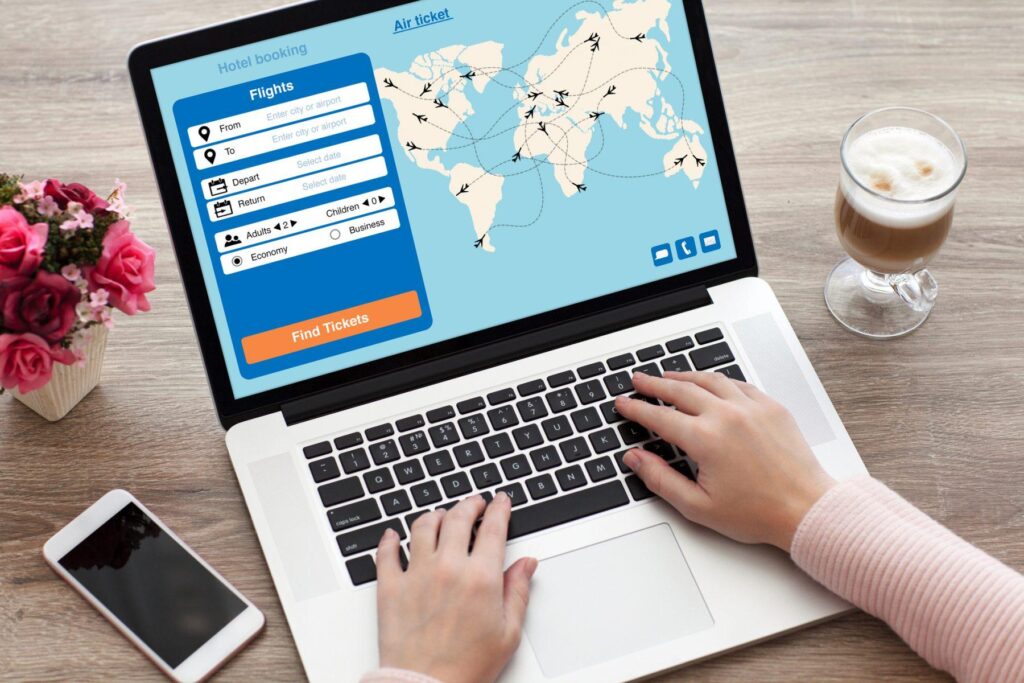
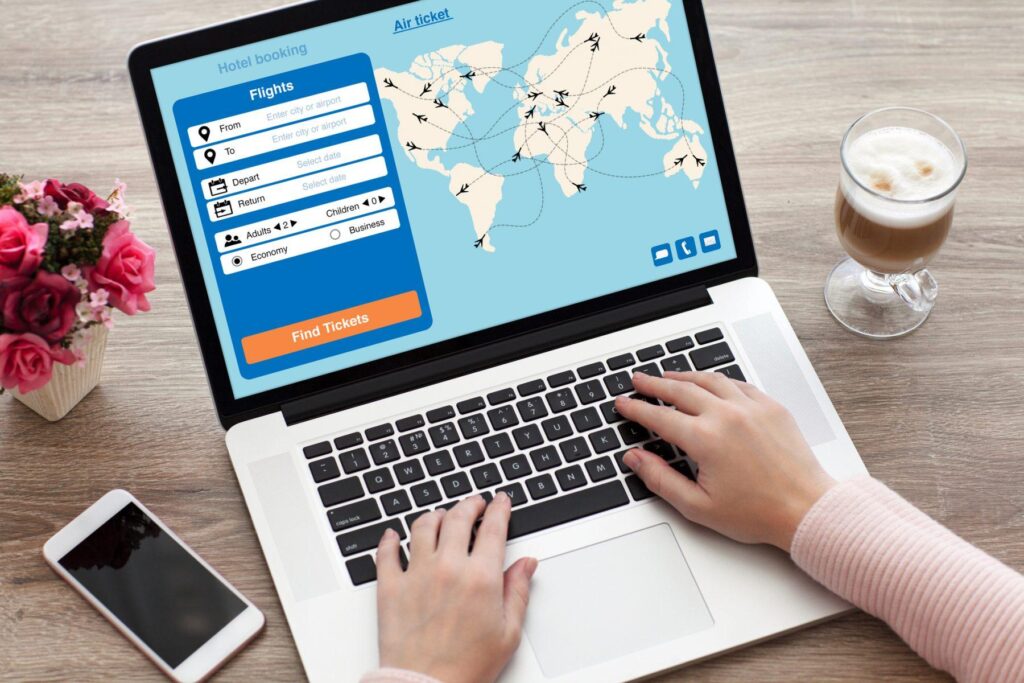
Google Flights is the best starting point for most international and domestic routes. The calendar view alone is worth using. Switch to the price grid and you can see at a glance which dates cost significantly less. A Tuesday departure versus a Friday departure on the same route can sometimes differ by $150 or more.
One thing worth knowing: flight prices move based on demand and algorithms, not a fixed schedule. The idea that Tuesday at 3am is always the cheapest time to book is largely a myth at this point. What does tend to help is flexibility on dates and setting a price alert rather than booking the moment you search.
Google Flights lets you track a route and emails you when the price drops. Hopper does something similar and sometimes predicts whether prices are likely to rise or fall, which sounds gimmicky but is surprisingly accurate.
For budget carriers, always check the airline’s website directly after finding the route on an aggregator. Some low-cost airlines do not list on Google Flights or Skyscanner, and booking directly sometimes saves the service fees that aggregator sites add.
One personal lesson: always check the baggage policy before you celebrate a cheap fare. A flight that looks $80 cheaper than the competition can cost more once you add a carry-on bag on some budget airlines. Ryanair and Spirit are the classic examples, but this catches people on other carriers too.
Locking Down Your Accommodation the Smart Way
Hotels, hostels, apartments, guesthouses, the options are genuinely overwhelming. The approach that has worked best for me is starting broad and narrowing down by neighborhood rather than price.
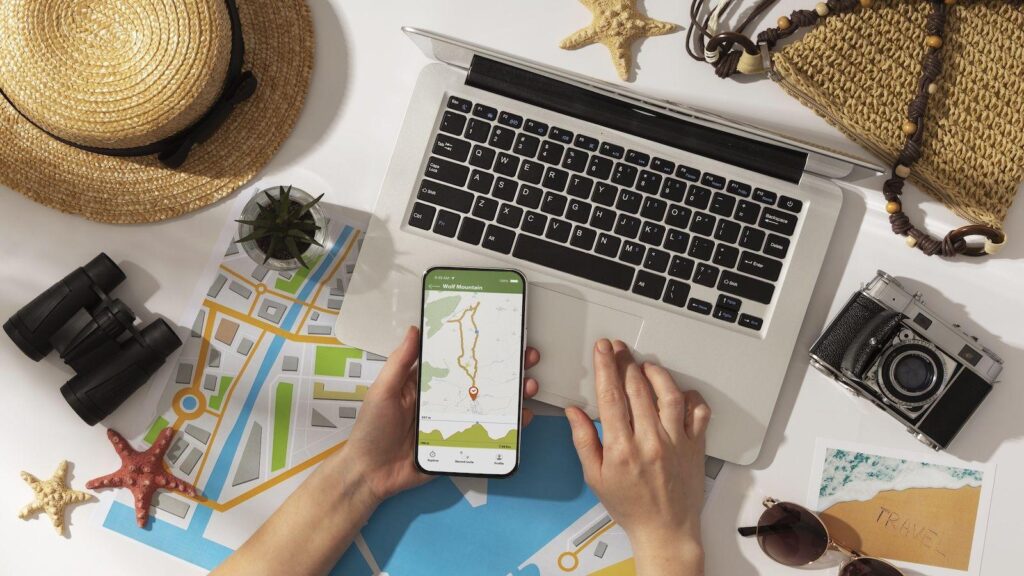
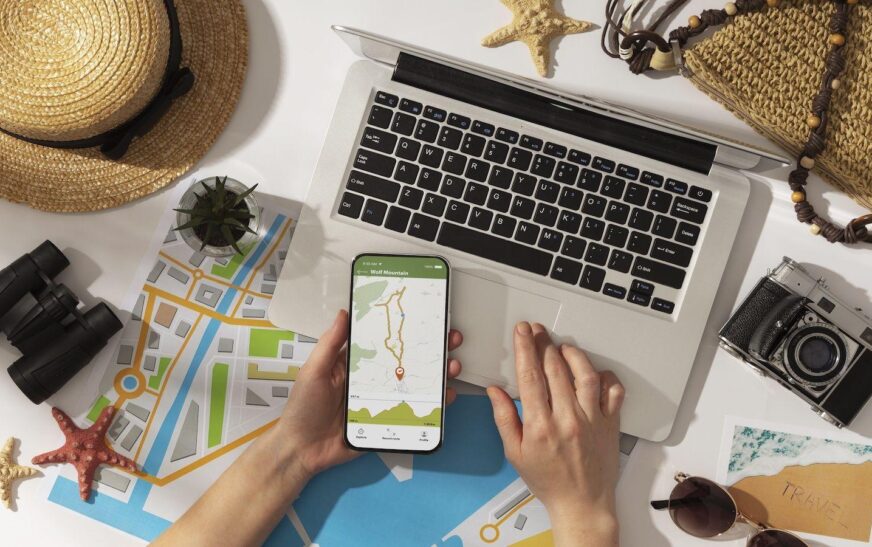
Before opening any booking site, spend twenty minutes looking at a map of your destination. Figure out which neighborhoods are walkable to the things you actually want to do. Booking a cheap hotel that saves you $30 a night but adds $20 in daily transport costs and an hour of commuting is not actually a deal.
Google Maps is useful here even before you start booking. Search the destination, look at where the main attractions are clustered, and identify one or two neighborhoods that make geographic sense for your plans. Then search for accommodation in those specific areas.
Booking.com has the largest inventory and genuinely flexible cancellation policies on most listings. Filtering by “free cancellation” is worth doing as a default, especially if your plans might shift. The difference between refundable and non-refundable rates is often not that large, and the flexibility is worth it.
Airbnb makes most sense for trips of a week or longer, or for groups where splitting a whole apartment is cheaper per person than individual hotel rooms. For short stays, the cleaning fees often make it more expensive than it initially looks. Always check the total price including fees before comparing with a hotel rate.
Hostelworld is the go-to for budget stays and solo travelers who want to meet people. The review system is detailed enough that you can get a real sense of the atmosphere before booking.
One thing that catches people: always read the most recent reviews, not just the overall score. A hostel that was excellent two years ago might have changed management since then. Sort reviews by most recent and look for patterns, not just individual complaints.
Building Your Itinerary Without Over-Scheduling
There is a type of travel planning that looks incredibly organized on paper and is absolutely exhausting in practice. Every hour of every day is accounted for. Museum from 9 to 11, lunch at 12, walking tour at 2, dinner at 7. On paper it looks efficient. In reality you spend the whole trip feeling like you are running late.
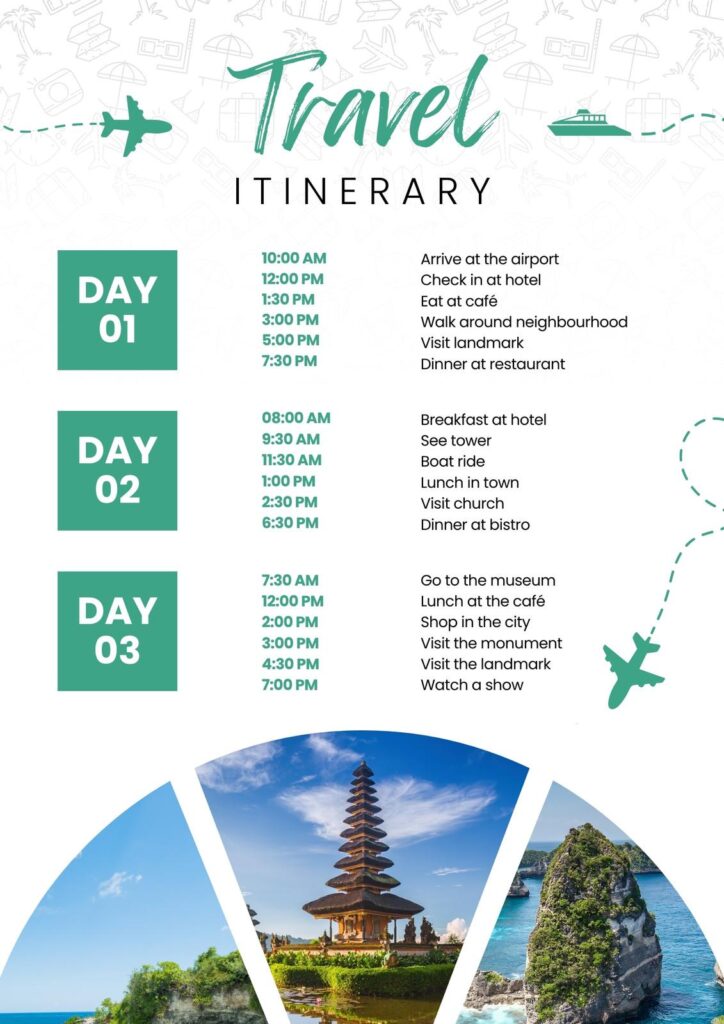
The approach that actually works better is planning anchors, not schedules.
Decide on one or two things per day that genuinely require advance booking or have fixed times. Everything else stays flexible. This gives you structure without rigidity, and it leaves room for the unexpected things that often end up being the best parts of a trip.
For the things that do require booking ahead, Google Things to Do is now quite good for popular tourist cities. Viator and GetYourGuide both have solid selections of tours, experiences, and skip-the-line tickets. Klook is particularly strong for Asia.
For bucket-list experiences with limited availability, book as early as possible. The Sagrada Familia in Barcelona, Alhambra in Granada, the Vatican Museums in Rome, Machu Picchu, all of these have a reputation for selling out weeks or months in advance, especially in peak season. Leaving these to chance is a gamble that often does not pay off.
Google Maps doubles as a reasonable itinerary planner if you save places to lists. Create a list called something like “Paris Trip” and save every restaurant, museum, neighborhood, and sight you want to explore. When you are standing somewhere wondering what to do next, open the list and see what is nearby. This works better than any dedicated app for a lot of people because the map context is right there.
Managing Your Budget Without Using a Spreadsheet for Every Coffee
Budget tracking on trips has a reputation for being tedious. The reason most people abandon it halfway through is they chose a method that requires too much friction.

The tools that actually stick are the ones where logging an expense takes under ten seconds.
Trail Wallet is a simple iOS app built specifically for travel budgets. You set a daily budget, tap to enter expenses, and it shows you a running total against your limit. Nothing complicated.
Splitwise is essential if you are traveling with others. Instead of calculating who owes what after every meal, you log expenses as you go and settle up at the end. It handles currency conversion and makes splitting group costs genuinely painless.
For currency, Wise (formerly TransferWise) and Revolut are both worth having on your phone before you leave. Both give you near-interbank exchange rates with low or no fees, which beats most bank cards for international purchases. Withdrawing cash from ATMs abroad using a Wise card is often significantly cheaper than using your home bank card or airport exchange bureaus.
Airport currency exchange is almost always the worst rate you will find. If you need local cash immediately on arrival, withdraw from an ATM after clearing customs rather than exchanging at a booth in the arrivals hall.
Getting Around Once You Are There
Transport planning is the piece most people leave until they land, and it usually causes the most unnecessary stress.
Before arriving anywhere new, spend fifteen minutes understanding the basic transport layout. Is there a metro? Does it connect the airport? Is ride-sharing available? Is walking realistic between most attractions?
Google Maps works offline in most cities if you download the map beforehand. Go to the city’s map while on WiFi, tap the search bar, tap your profile, go to Offline Maps, and download the area. This has saved me from data roaming charges and dead-zone navigation anxiety more times than I can count.
Rome2Rio is excellent for understanding transport options between cities or countries, especially when you are not sure whether flying, taking a train, or taking a bus makes more sense for a particular route. It shows you all options with approximate costs and travel times side by side.
For trains specifically in Europe, Trainline is reliable for booking across multiple countries from one place. In Japan, Hyperdia or Google Maps handles train navigation well. In Southeast Asia, 12Go Asia covers buses, ferries, and trains across the region and is genuinely useful for multi-country trips.
Grab is the ride-sharing app to have in Southeast Asia. Bolt is common in Eastern Europe. Cabify in Latin America. Downloading the local equivalent of Uber before you land means you are not fumbling to set up an account at the airport while tired and jet-lagged.
Keeping Important Documents Accessible and Safe
This is the area where digital organization genuinely matters for reasons beyond convenience. Losing access to travel documents while abroad is genuinely disruptive.

The setup that works well is simple. Photograph every important document before you leave. Passport, visa, travel insurance policy, vaccination certificate if relevant, the front and back of your debit and credit cards (store these somewhere password-protected, not just in your camera roll), and your accommodation confirmation for the first night.
Store copies in two places. Google Drive or Dropbox means you can access them from any device with internet. Keeping a PDF of your passport in your email as well means it is reachable even if you cannot access cloud storage.
Travel insurance documentation deserves specific mention. Most travelers store their policy number somewhere and consider that sufficient. What is more useful is having the emergency contact number for your insurer saved in your phone and the general scope of coverage noted somewhere you can check quickly. Knowing whether your policy covers flight cancellation before you are standing at a cancelled flight desk is significantly more useful than knowing after.
Staying Connected Without Paying Roaming Charges
Connectivity used to be one of the most logistically annoying parts of international travel. It is considerably easier now.

eSIM cards have genuinely changed the experience for compatible phones. Services like Airalo or Holafly let you purchase a local data plan before you travel, and it activates the moment you land. No physical SIM card swapping, no hunting for a phone shop at the airport. Airalo in particular has good coverage across dozens of countries at reasonable rates.
If your phone does not support eSIM or you are traveling somewhere Airalo does not cover well, buying a local SIM at the destination is usually the cheapest option. Major airports almost always have phone carrier kiosks past customs. The packages are usually better value than roaming plans from your home carrier.
Google Fi is worth mentioning for American travelers specifically. It includes international data in many countries as part of the standard plan, which eliminates the entire SIM question for people who are already subscribers.
Mistakes That Are Extremely Easy to Avoid
A few patterns come up over and over with disorganized trips, and all of them are genuinely preventable.

Not double-checking booking dates is probably the most common one. After every booking confirmation, read the date in the email and cross-reference it with your calendar. Do this immediately, not a week later. The mistake Tariq made with his Istanbul hotel is shockingly common.
Saving everything in one app and then not having offline access is another. Many trip organizers require internet to load your itinerary. Download or export a PDF version of your itinerary before departure so it is accessible regardless of connectivity.
Forgetting to inform your bank about travel is less of an issue than it used to be, but some banks still freeze cards for foreign transactions as a fraud precaution. A two-minute call or app notification before you leave prevents the deeply inconvenient experience of a declined card when you are trying to pay for dinner abroad.
Overloading your first day is something almost every traveler does at least once. You arrive, you are excited, and you try to cram in four neighborhoods and two museums. Then you hit a wall of exhaustion at 3pm. Leave your first afternoon deliberately light. Let yourself arrive, orient, eat something local, and adjust to being somewhere new. The trip goes better for it.
A Practical Starting Point for Your Next Trip
If all of this feels like a lot, start with just three things. Forward your booking confirmations to TripIt or drop them into a single Google Doc. Download Google Maps offline for your destination before you leave home. And photograph your passport and insurance documents and upload them to a folder in Google Drive.
Those three habits alone put you in a significantly better position than most travelers. Everything else is incremental from there.
Good trips rarely happen by accident. They happen because someone made a few good decisions before leaving, left room for things to breathe, and did not leave critical information scattered across seventeen apps and a camera roll. Get the basics organized, and the rest of the trip has a much better chance of actually feeling like a holiday.